

AdvertisementReserved advertising space
Samsung Community Reports a Serious Issue With Galaxy S23 Ultra's S-Pen; Have a Look
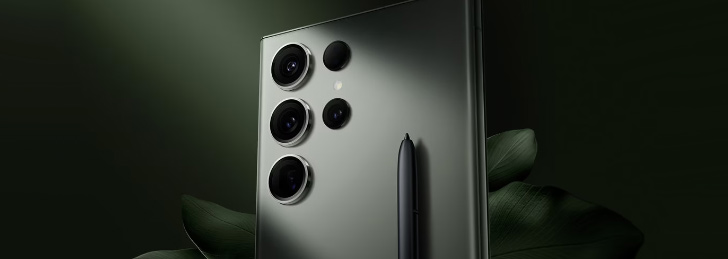
The Samsung Galaxy S23 Ultra, with its bleeding-edge technology and ultra-premium features, is considered by many to be the ultimate Android smartphone. However, as with every human-made gadget, it comes with its drawbacks. Users have been actively complaining about software and hardware issues on Galaxy S23 Ultra. Have a look.
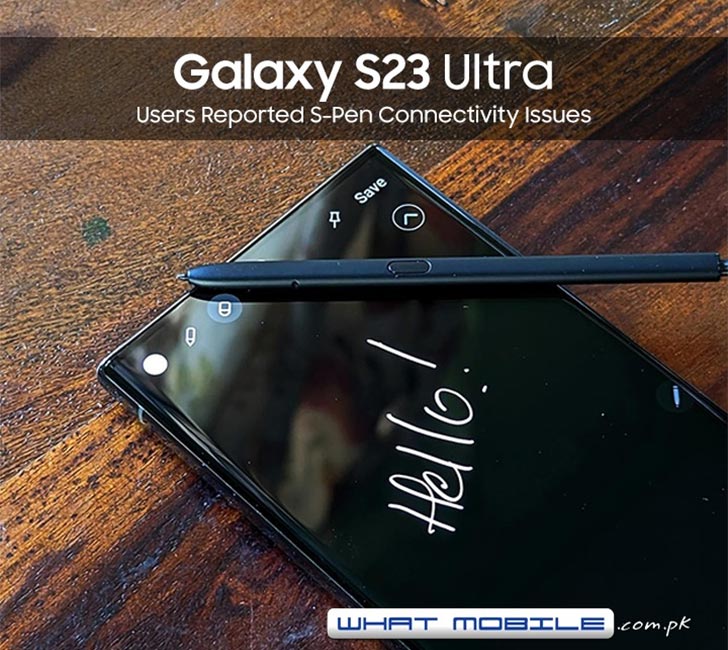
In the past, S23 Ultra users have raised complaints about difficulties connecting to Android Auto. However, after OneUI 5.1 update, users have been facing severe battery-draining issues on older Samsung phones. A new problem that surfaced recently on the internet is the S-Pen getting disconnected from the phone.
An Ultra Samsung Galaxy S-phone is not complete without its S-Pen Stylus. It adds an extra layer of convenience for the users allowing them to take handwritten notes, draw sketches, and control the phone with air gestures. The S-Pen lives inside the phone’s dedicated silo — easily accessible when required.

When taken out of its silo, the S-Pen immediately connects to the Samsung flagship new model using a wireless Bluetooth kit inside for gestures. Some S23 Ultra users have begun complaining about the S-Pen abruptly disconnecting during a writing session or when taken out of its silo. The phone immediately notifies that the “S-Pen is disconnected.”
In that condition, the stylus becomes limited to writing only, and wireless gestures turn off. Internet forums have some suggestive fixes which may work for the users. On S23 Ultra, users must go to Settings > Advanced Features > S Pen > Additional S Pen settings; Enable Keep S Pen connected. The issue tends to be on the software side, fixable by an OTA patch; however, Samsung has not commented on the problem yet. Apart from the latest flagship devices, Samsung Galaxy A04 is also a recent addition to the brand's A-series.


Join the discussion
A place for your take on the story. Every comment is reviewed.
Add your voice.
Sign in to comment and reply.
Your Google name and photo appear with your comments.
Discussion guidelines
Keep it about the story. Links, spam, profanity, abusive language and sexual content are not allowed. All comments are reviewed before they appear publicly.
Loading discussion…
Comments
Newest firstLooking for an earlier discussion? Open the original article.