

AdvertisementReserved advertising space
Samsung Galaxy A03s Android 12 Rollout Begins, Brings Massive Enhancements Alongside One UI Core 4.1
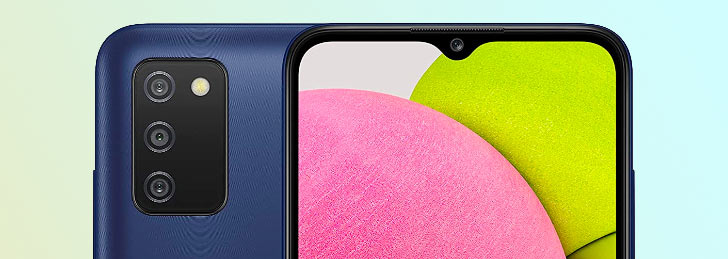
The Samsung Galaxy A03s has just received a major firmware update under version A037FXXU1BVFB. The update is quite massive and substantial in its scope as It brings OneUI Core 4.1 based on Android 12 and fixes more than 60 software issues. The rollout begins from Serbia but the distribution will take some days to reach other parts of the world, including Pakistan.
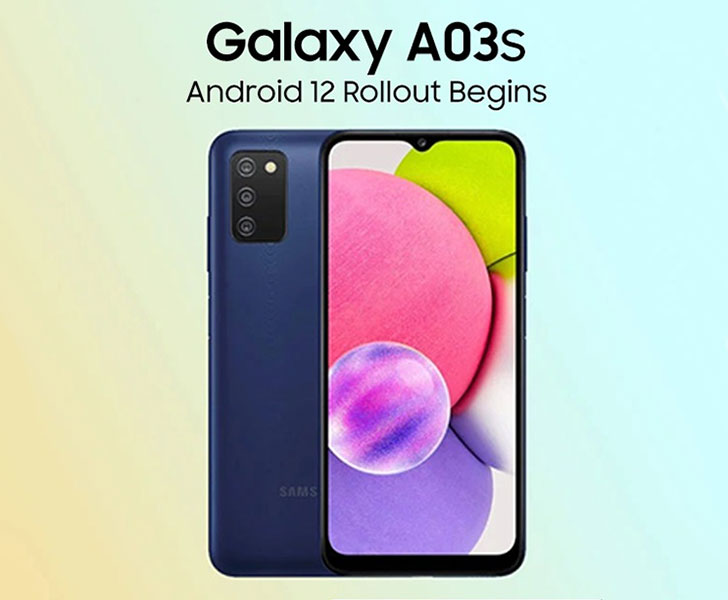
Once it gets available in your region, you can update your Samsung Galaxy A03s by heading to Settings > Software Update > Download > Install. The update implements all the privacy and security features promised with Android 12. You can allow or restrict your camera, microphone, and location permissions to certain apps.
The UI has received an overhaul with new widgets for different apps like calendar and improved dark mode. The Galaxy A03s keyboard app has also obtained new emojis, stickers, and text suggestions.
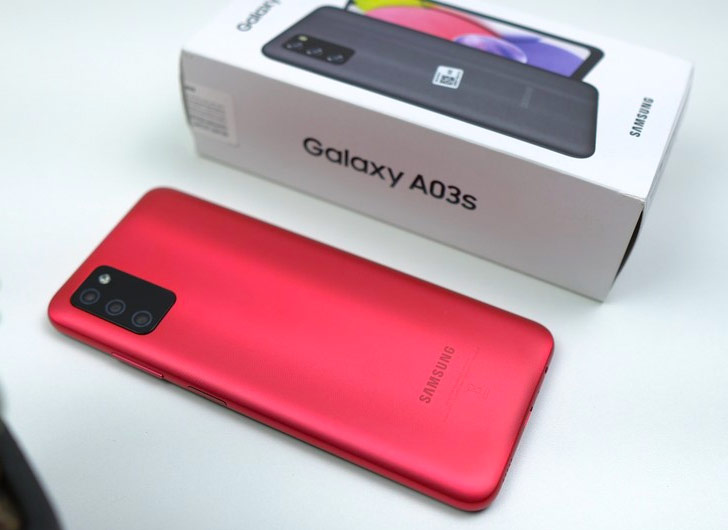
The camera app has got an instant shutter button and pro mode adjustments. The captured images are now saved with time stamps in the Gallery app, and users can manually edit or hide an image’s information like date and location. Just like Samsung's new A model devices, the update brings many exciting photo editing tools and options as well.
Galaxy A03s system apps, such as Samsung Internet, have been given new home screen widgets, improved search suggestions, and a private web browsing mode. The Device Care app now better diagnoses the phone’s bugs and issues, while pop-up windows can be pinned down on the home screen for easy access.
Overall the latest Samsung Galaxy A03 UI now feels much smoother and easier to navigate. Other features such as floating windows, PIP (Picture-In-Picture) mode, search suggestions, charging animation, and edge panel.


Join the discussion
A place for your take on the story. Every comment is reviewed.
Add your voice.
Sign in to comment and reply.
Your Google name and photo appear with your comments.
Discussion guidelines
Keep it about the story. Links, spam, profanity, abusive language and sexual content are not allowed. All comments are reviewed before they appear publicly.
Loading discussion…
Comments
Newest firstLooking for an earlier discussion? Open the original article.