
AdvertisementReserved advertising space
Samsung Galaxy A15 and A16 Grab the Latest One UI 7 x Android 15 Update
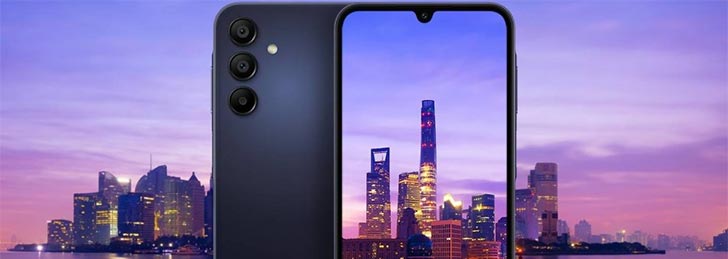
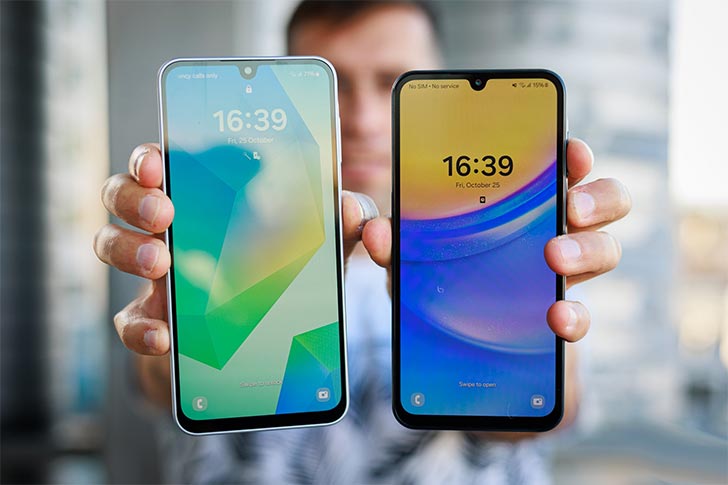
One UI 7 (Android 15) is gradually rolling out to all eligible Samsung devices, and it looks like the Galaxy A15 and A16 are up next to receive the latest update. Numerous reports coming from Korea suggest that these two devices have started picking up One UI 7 in the region. It’s only a matter of time before the update goes official in more countries.
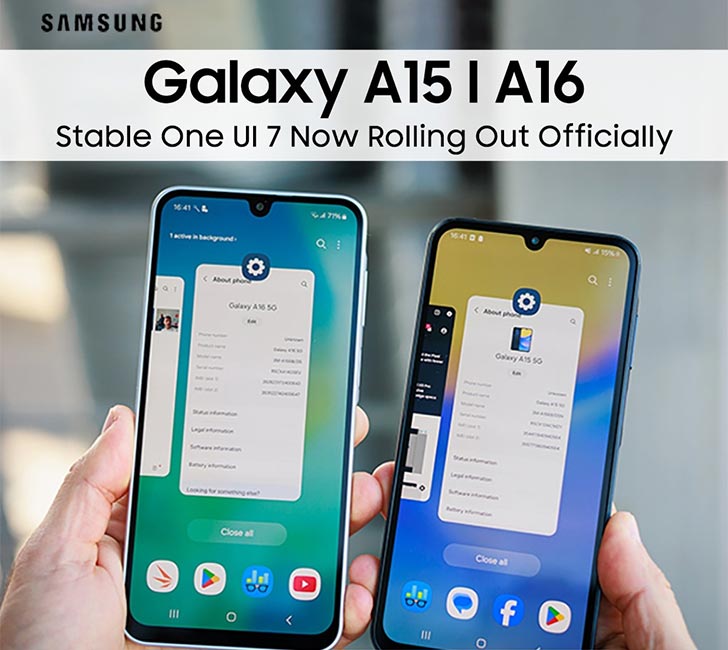
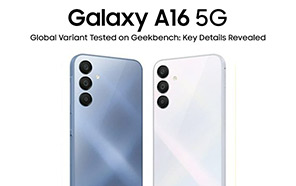
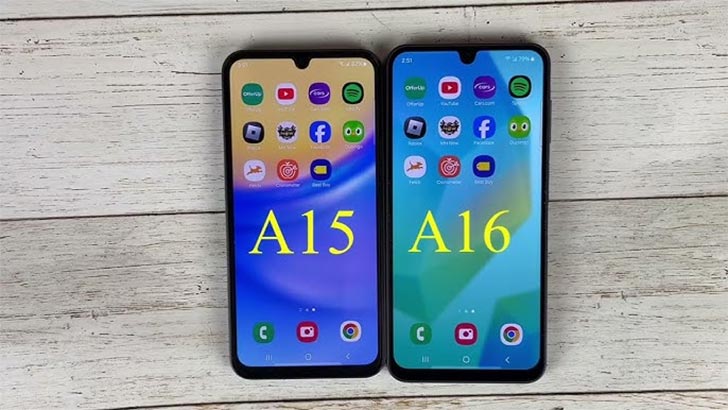
These phones ship with an Android 14 out-of-the-box skinned as One UI 6. This will be the first major update for both. The Galaxy A15 is bound to receive three more updates after Android 15, and the Galaxy A16 is expected to bring at least five more OS updates moving forward.
After the update completes the round in Korea, more regions will follow suit, and ultimately, the A15/A16 users will be able to access the One UI 7 in Pakistan. Native phone owners might have to wait a few weeks before the update arrives in the country.
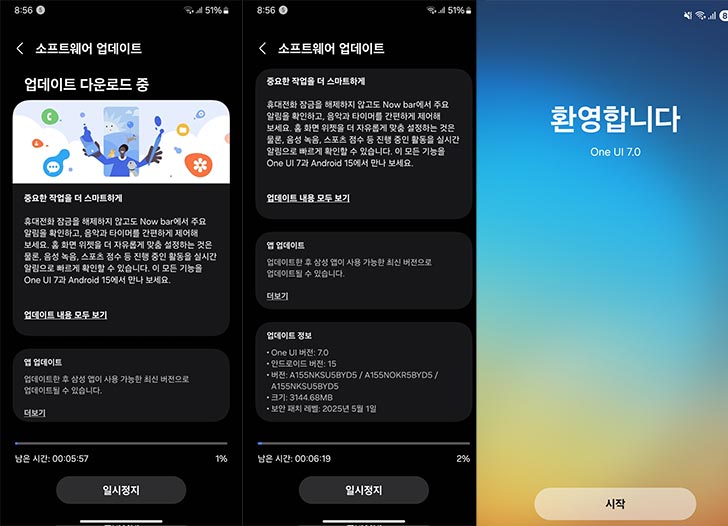
The firmware rolling out in Korea can be recognized as “A155NKSU5BYD5.” To spot the update on your phone, look for a matching serial number. Of course, the Change Log should also be helpful as it mentions the OS and UI versions. The package is extensive, with a 3.14 GB download. With new features arriving, many users might also be curious about the current Samsung mobile price, especially if they're planning to upgrade or buy a new device.
A May 2025 security patch is also bundled with the update. It remains unconfirmed whether A15 and A16 get the same UI overhaul as some of the other Galaxy phones. However, some changes are recurring on all the devices, including the new split notification shade.
The quick toggles have been separated from the notification area. Now you can swipe down from the right side to access the quick panel and swipe from the left to access notifications. Most of the native app icons have changed, and you will find a few new widgets in the home settings.
Accessing the update is pretty easy and can be done in simple steps. “Check for Updates” first by going to Settings >> Software Updates and tapping the blue button. If the update is available in the region, your phone should pick it up and give you a “Download and Install” button.
Give your Galaxy A15 or A16 a few minutes to download, install, and reboot. After the completion, you’ll be greeted by the latest One UI 7. Samsung still has a few more devices left to deliver the One UI 7 (Android 15). Make sure to stick around, if you don’t want to miss any updates.



Join the discussion
A place for your take on the story. Every comment is reviewed.
Add your voice.
Sign in to comment and reply.
Your Google name and photo appear with your comments.
Discussion guidelines
Keep it about the story. Links, spam, profanity, abusive language and sexual content are not allowed. All comments are reviewed before they appear publicly.
Loading discussion…
Comments
Newest firstLooking for an earlier discussion? Open the original article.