

AdvertisementReserved advertising space
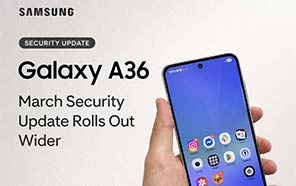
Samsung Galaxy A36 Begins Receiving the Stable One UI 8.5 Update
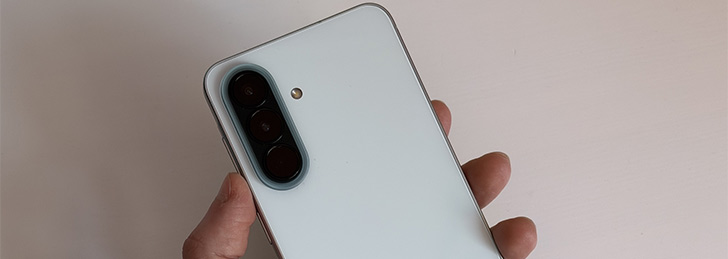
We have done a fair share of One UI 8.5 coverage for the Galaxy S devices. It didn’t take long for the A series to also join the One UI 8.5 stable release. Today, they have unlocked the update on the Samsung Galaxy A36 as well. It’s the Android 16 QPR2 release, and it essentially puts an end to the Beta program.
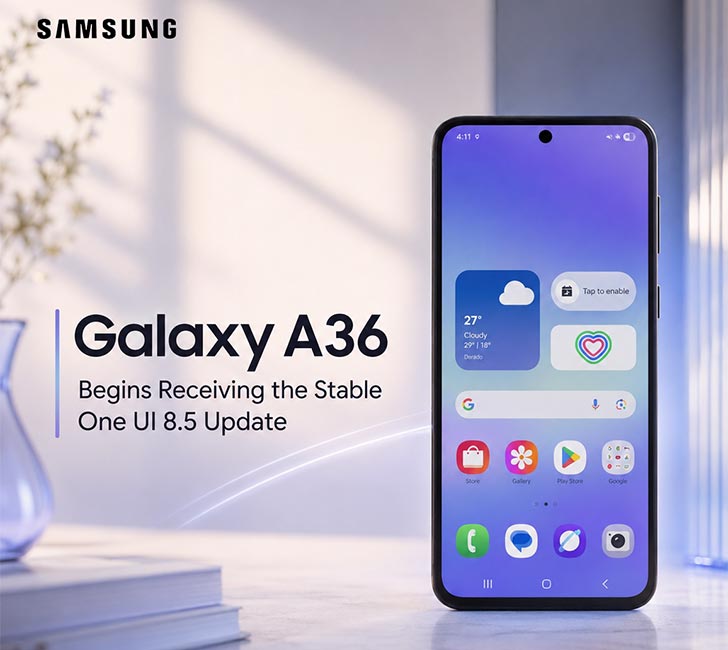
The testing phase only lasted one and a half months, so we were not expecting the update to reach the stable version so soon. Anyway, it’s only their home market in Korea that’s grabbing the One UI 8.5 for now. So it would probably be a while before A36 owners in Pakistan will see the update.
A366NKSU6CZDA is the firmware version we saw on the changelog of this update. And it was tipped by a local source in South Korea. Of course, it’s more than possible that the number will partially match the firmware on the global version of the Samsung latest 5G mobile.
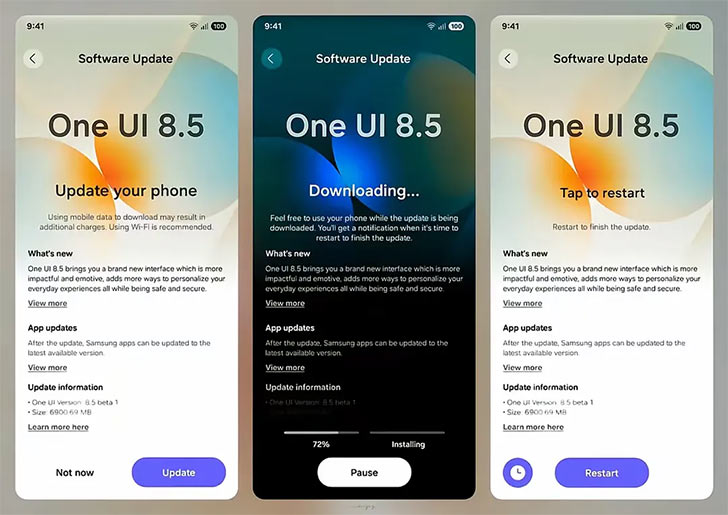
Sadly, the contents of the stable One UI 8.5 update specific to that model were never shared by the leaker. The story still seems to be developing. What we saw in A36’s beta phase is that they’ve added complete customization to the quick panel this time.
The search bar is moved to the bottom in many stock apps and across the OS, so it’s easier to tap with one hand. There’s also something called the NowBrief widget on the lock screen. That can be used to toggle the flashlight when you double-tap on it.
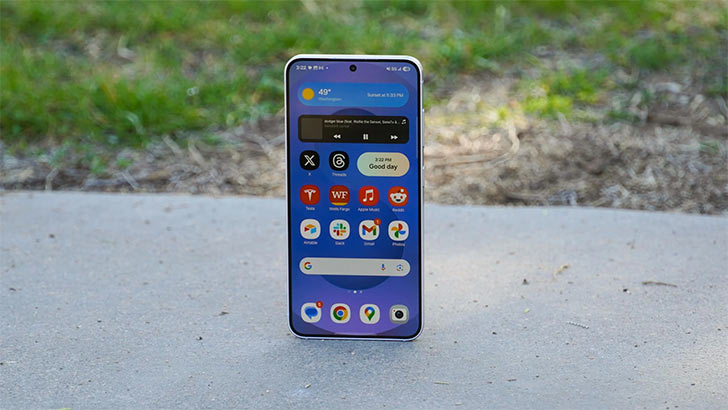
Visual changes in the apps will be a common sight in the stable update. Three new lock screen clock styles and new animations were also being tested in the beta phase, so they might have made it to the stable version as well.
The One UI 8.5 will probably hit your Galaxy A36 in the next weeks, so you might want to visit the Software Update menu to “Check for Updates” manually. And then, when the update appears, all you would need to do is press the Download and Install button.


Join the discussion
A place for your take on the story. Every comment is reviewed.
Add your voice.
Sign in to comment and reply.
Your Google name and photo appear with your comments.
Discussion guidelines
Keep it about the story. Links, spam, profanity, abusive language and sexual content are not allowed. All comments are reviewed before they appear publicly.
Loading discussion…
Comments
Newest firstLooking for an earlier discussion? Open the original article.