

AdvertisementReserved advertising space
Samsung Galaxy A56 Updated with June 2025 Patch; Fixes Minor Security Issues

Samsung is wasting no time updating its devices with the June 2025 security patch. The Galaxy S25 series was the first to grab the update and introduced 19 security fixes to the software. Now, this vital update is rolling out to the A-series, starting with Samsung Galaxy A56.

The Galaxy A56 is the company’s newest mid-ranger and one of the first devices to come with Android 15 out of the box. It’s been committed with 6 years of OS and security support. After receiving the May 2025 patch last month, the phone is now being treated with the June update.
Samsung is deploying the update in multiple countries across Asia, Europe, and the Middle East. You can recognize the June 2025 security patch with its build number “A566BXXS4AYE5.” As usual, we recommend “Checking for Updates” in your phone’s Settings to see if it’s available in your region.
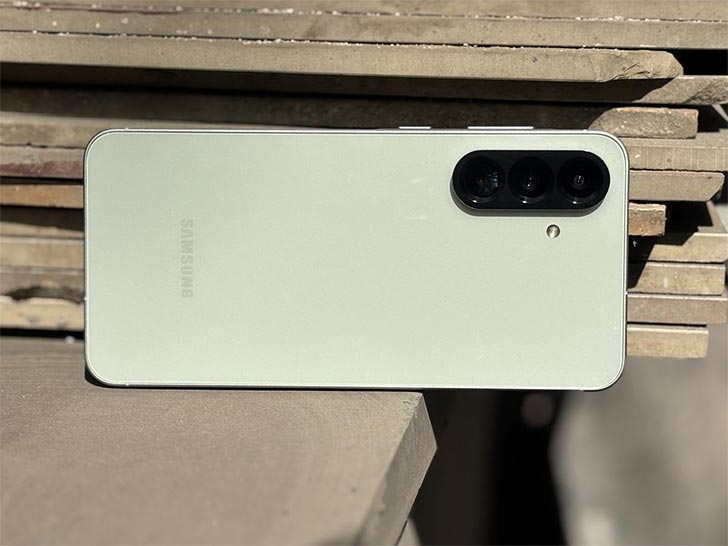
If your Samsung latest 5G model is unable to access the update right now, it should only take a couple of days before you receive it. The patch includes fixes deployed by Google for the core Android system. The other fixes are for Samsung’s own One UI and Galaxy ecosystem, ensuring a safe connection with the Galaxy smartwatches and other wearables.
None of the patches are marked crucial or moderate safety risks by Samsung, which means no serious threats have been discovered within the last month. There are also no software optimizations or new features to speak of in this new security update.
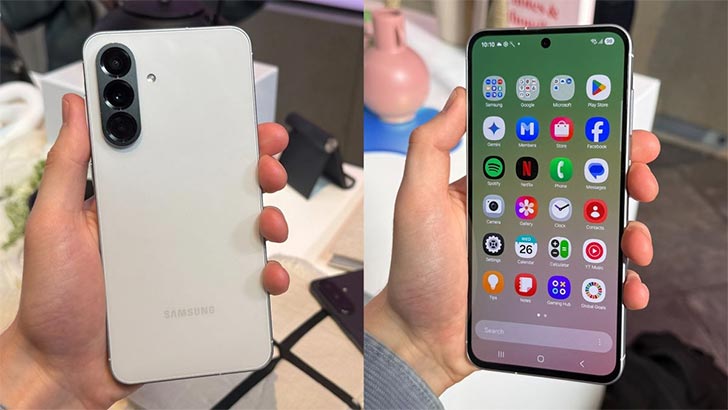
You can always look at the Changelog to educate yourself about the fixes Samsung is deploying to your device. The log should appear right beside the “Download and Install” button. Simply go to Settings on your Galaxy A56 and scroll down to find the submenu that says “Software Updates.”
When the update arrives in Pakistan, you should receive an alert about the available OTA package. In case you don’t, check for updates manually in the Settings. When the patch shows up on your device, press “Download and Install” and let your phone reboot once it has finished installation.

Join the discussion
A place for your take on the story. Every comment is reviewed.
Add your voice.
Sign in to comment and reply.
Your Google name and photo appear with your comments.
Discussion guidelines
Keep it about the story. Links, spam, profanity, abusive language and sexual content are not allowed. All comments are reviewed before they appear publicly.
Loading discussion…
Comments
Newest firstLooking for an earlier discussion? Open the original article.