
AdvertisementReserved advertising space
Samsung Galaxy S26 Lineup Receives Stable One UI 9 Update with New AI Features
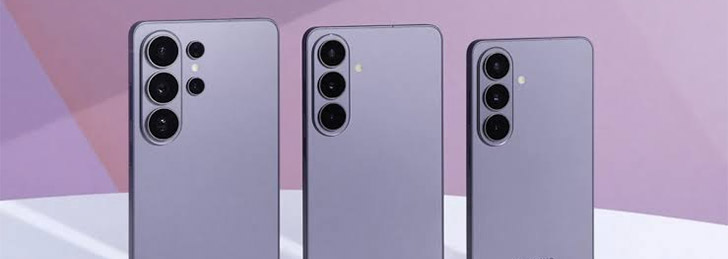
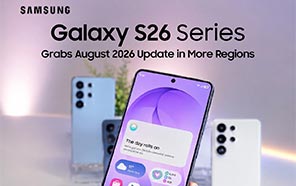
The entire Samsung Galaxy S26 series shipped with Android 16 One UI 8.5 from the factory. Beta testing for One UI 9 started a few months later, and now they’ve announced a stable One UI 9 update for the Galaxy S26, S26 Plus, and Galaxy S26 Ultra. The devices in South Korea are being updated as we speak.
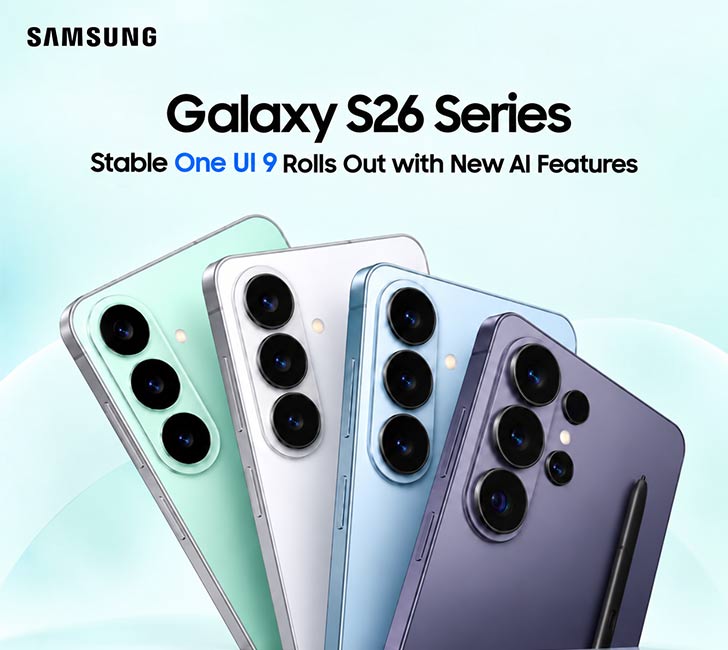
The update will reach all Galaxy S26 devices region by region in a staggered rollout, and just as we suspected, South Korea is the first country on the list. Apparently, this is just a small ~650MB package. Samsung has officially teased all the new features that are part of One UI 9.
The first big feature is MyFanCam on One UI 9. This is a software tool that doesn’t need dedicated hardware to run. All it needs is a bit of AI magic. Anyway, the Samsung new S moble series has now activated this feature with the stable One UI 9 update. You record a clip and edit a MyFanCam snippet from the gallery. The video below will show you how.
Now Brief has Custom Cards on One UI 9. There’s a dedicated menu for it in the settings. You tell the AI what you want the custom card to show, and it will generate the instructions for Now Brief. And then your custom cards will show up right on the lock screen.
Now Nudge gets a boon in the One UI 9 update with more accuracy and effectiveness. But we assume it still has ways to go before experts can call it useful. By the way, Galaxy AI now has a Call Brief tool. All your calls are transcribed and stored on the phone as a summary for later use.
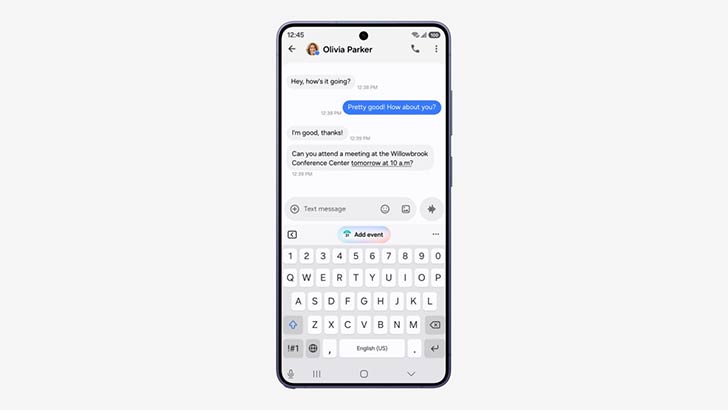
The UI has minimal changes. Volume and brightness sliders are thicker. We learned that much during the beta testing. The Quick panel tiles are more customizable. There are extra customization options for the lock screen and widgets. A better voice recorder and more Creative Studio features are also expected down the road.
You download the update from Settings >> Software Updates. Look for a “Check for Updates” button. This will prompt you to a Download and install page. For Galaxy S26 users in Pakistan, the option will only appear when the update is unlocked in the region, and that will take some time. Keep watching the news for more updates on the topic.


Join the discussion
A place for your take on the story. Every comment is reviewed.
Add your voice.
Sign in to comment and reply.
Your Google name and photo appear with your comments.
Discussion guidelines
Keep it about the story. Links, spam, profanity, abusive language and sexual content are not allowed. All comments are reviewed before they appear publicly.
Loading discussion…
Comments
Newest firstLooking for an earlier discussion? Open the original article.